
FlyIt Mobile
Draw & export flight paths. Sketch any path on the map and export as FPL, KML, or CSV to your flight-planning app.

Why Pilots Love It
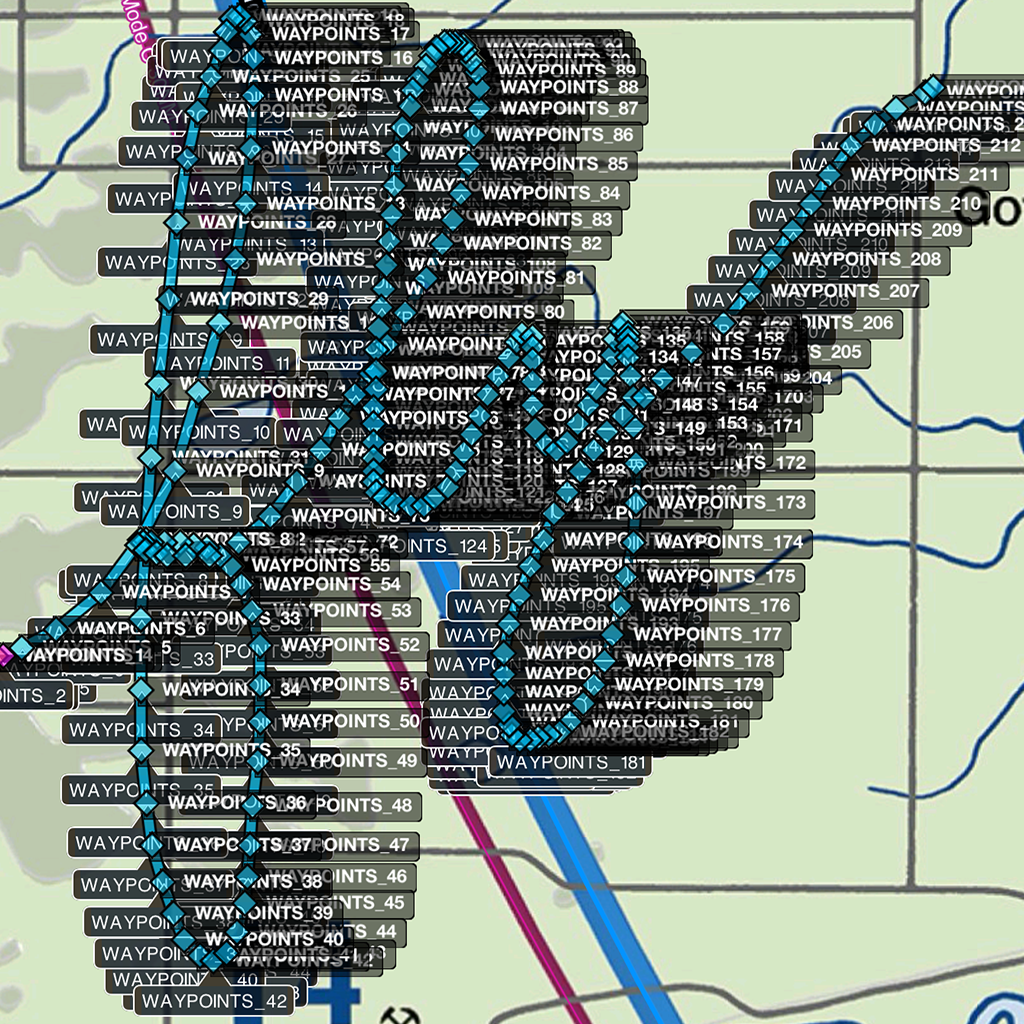
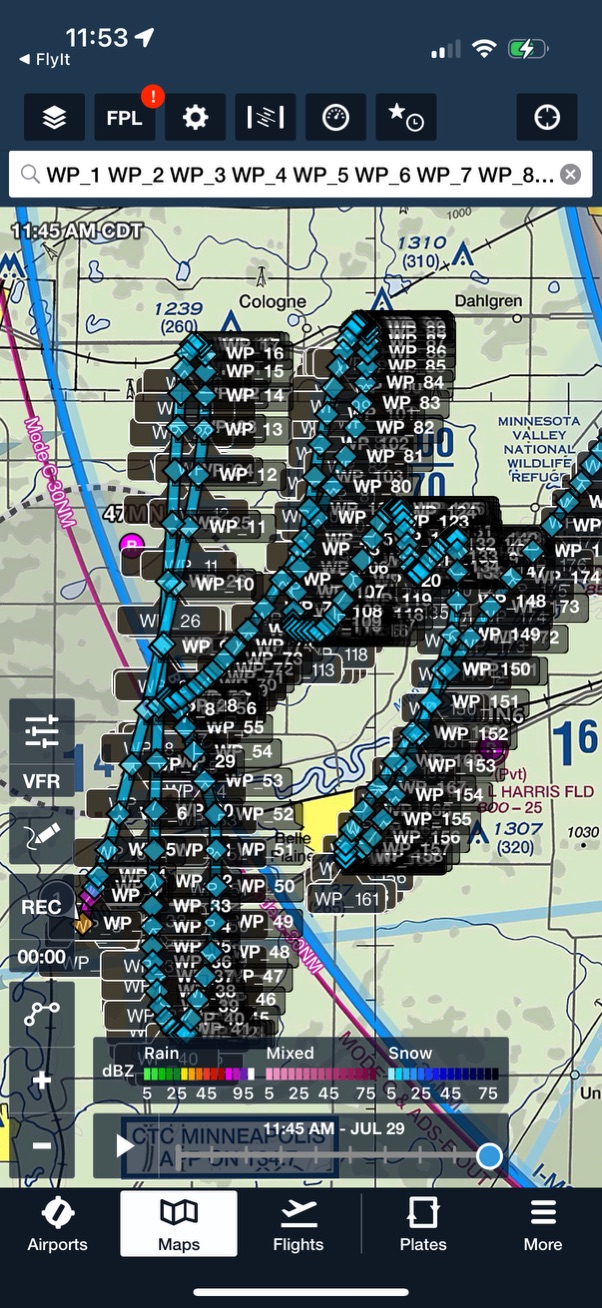
Freehand Drawing → Waypoints
Turn any shape into a navigable series of Lat/Long coordinates in seconds. Sketch an exotic or precise path right on the map and FlyIt instantly converts it into a series of latitude/longitude waypoints.
One-Tap Exports
Create FPL, KML, or CSV files and share via Files, AirDrop, or the iOS share sheet. Export your route and open it in your favorite flight-planning software on the same device.
Map-First Workflow
See your pattern as you draw—great for training routes, airshow practice, skywriting-style shapes, or just-for-fun sightseeing paths.
Universal App
Available for iPhone & iPad. Use the device that's already in your flight bag.
Supported File Formats
FPL
Garmin Flight Plan
KML
Keyhole Markup Language
CSV
Comma-Separated Values
Perfect For
- Training Routes: Plan and practice specific flight patterns
- Airshow Practice: Create precise paths for performance flying
- Skywriting: Design shapes and letters for aerial displays
- Scenic Flights: Plan beautiful sightseeing routes
- Custom Routes: Any path you can imagine, drawn freehand
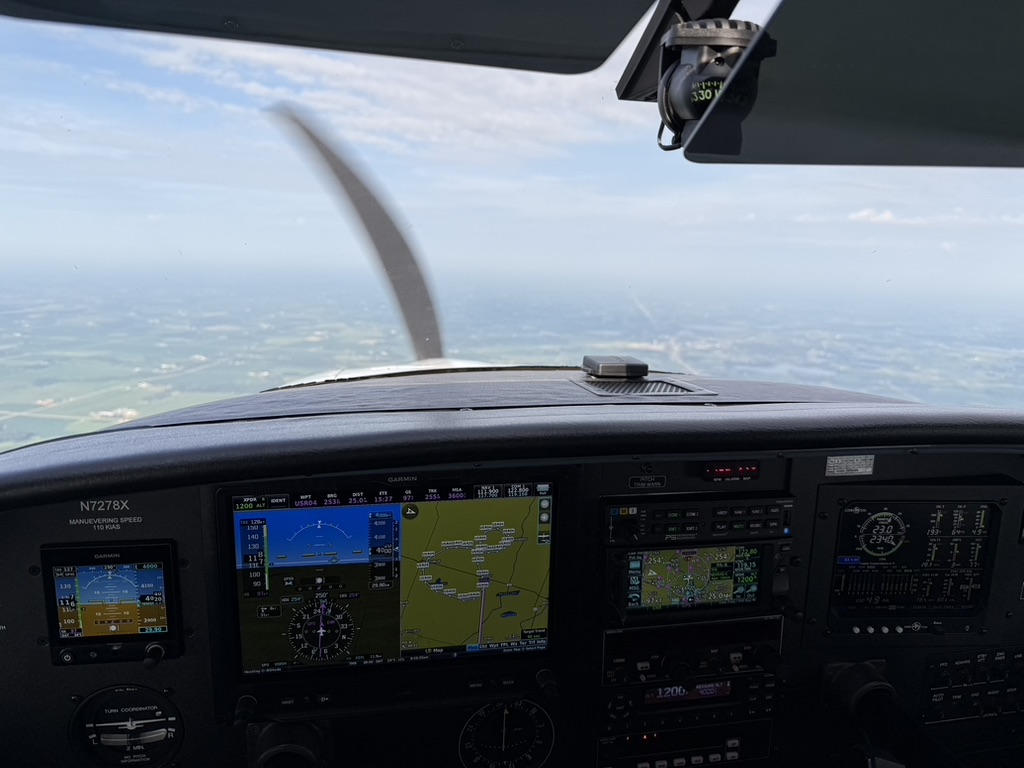
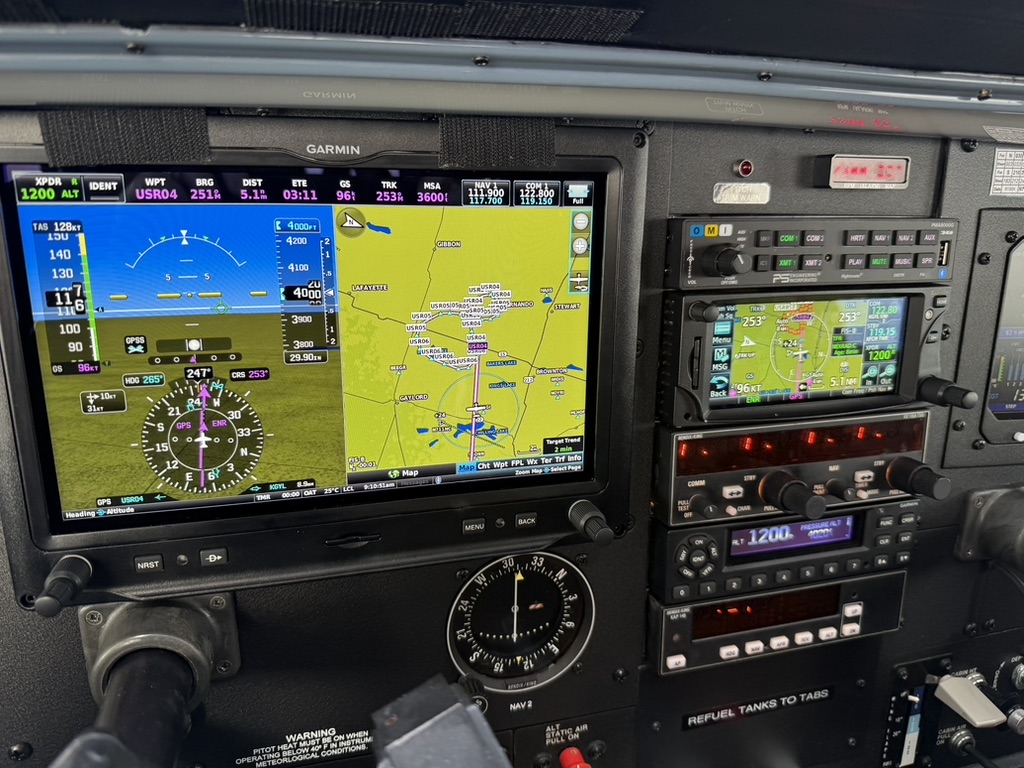
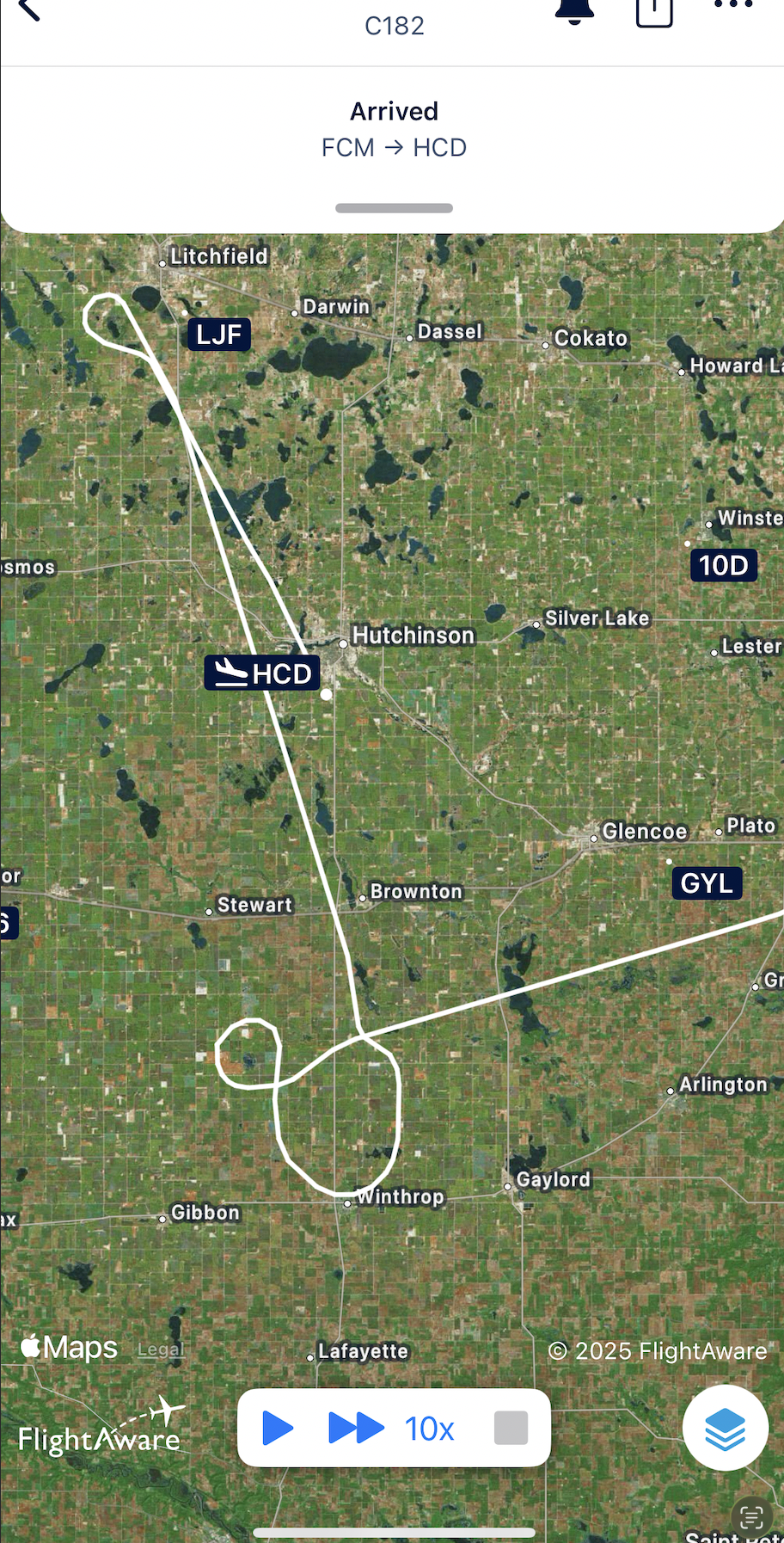
In the Cockpit
Notes & Safety
FlyIt creates and exports route data; it does not file flight plans and is not for primary navigation. Always verify routes against current charts and regulations, and obtain ATC clearance as required.
App Details
- Developer: Relative Logic, Inc.
- Category: Navigation
- Size: 19.6 MB
- Rating: 5.0 ★ (1 Rating)
- Languages: English
- Compatibility: iOS 17.6+, iPadOS 17.6+, macOS 14.6+ (Apple Silicon)
- Copyright: © 2025
Privacy
This app does not collect any data from users. Your flight paths and drawings remain entirely on your device.